SQL Studio
Anywhere.
Practice SQL right on your phone: no setup, no server, fully offline.
Every database comes ready to query. Currently in closed beta on Android.
Engineered for
Modern Performance.
Everything you need to practice SQL, built for touch and 100% offline.
Offline SQLite Databases
A catalog of local databases, each with its own schema and seed data, ready to query immediately.
SQL Editor
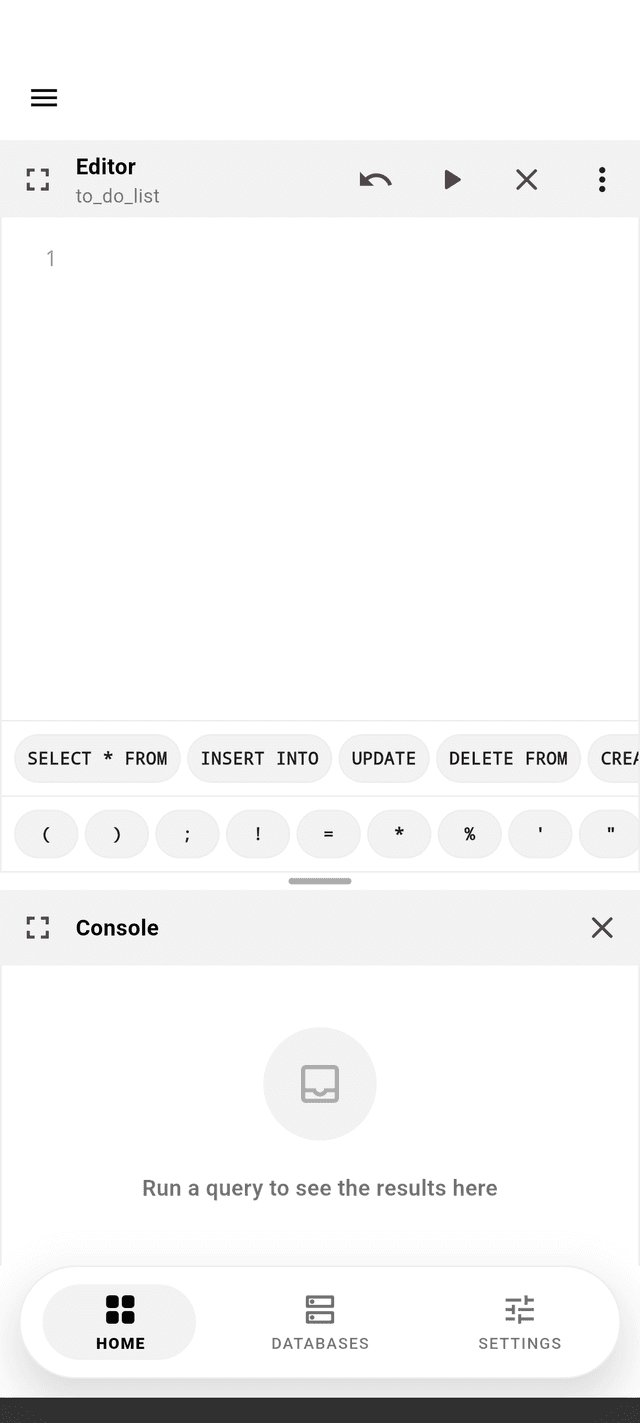
Write and run SQL with syntax highlighting, a fullscreen mode, and a console showing query results and errors.
Database Visualizer
Inspect a database's tables, columns, and structure visually, without writing SQL.
Reset Database
Restore any database to its original schema and seed data at any time.
Copy Schema & Seed
Copy a database's schema, seed data, or both to the clipboard.
SQL Suggestions
Basic and advanced SQL snippets to speed up writing common queries, toggled from Settings.
Configurable Workspace Layout
Choose how the editor, console, and visualizer are arranged on screen.
Multiple Languages
Full app UI in English, Portuguese (Brazil), and Spanish.
Theme Selection
Light, dark, or system theme.
Database Search
Filter the databases list by name.
Master your data in
four simple steps.
No setup, no server. Pick a database and get straight to querying with a streamlined mobile experience designed for speed.
Choose a Database
Pick one from the built-in catalog of local databases, each with its own schema and seed data, ready to query immediately.
Write & Run
Write SQL in the editor and execute it, viewing the results and any errors in the console.
Inspect
Explore the database's tables, columns, and structure visually, without writing SQL.
Reset
Restore the database to its original schema and seed data at any time.
Status
Query Executed
14 databases,
zero setup.
Every database ships pre-loaded with a real schema and seed data, ready to query the moment you open it.
To-Do List
1 tableSimple task management database
Contacts
2 tablesContacts and groups database
Library
3 tablesLibrary with books, members, and loans
Fitness Club
3 tablesGym members and subscriptions database
Car Rental
4 tablesCar rental management database
Restaurant
4 tablesRestaurant orders and menu items database
HR Payroll
4 tablesCompany departments, job positions, employees, and salary history
Logistics
5 tablesPackages, drivers, deliveries, and status history database
Pharmacy
5 tablesPharmacy inventory, suppliers, customers, and sales database
School
5 tablesSchool management with students, teachers, classes, enrollments, and grades
Social Network
5 tablesSocial media with users, posts, likes, comments, and followers
Hotel
6 tablesHotel reservations, rooms, payments, employees, and services database
Banking
6 tablesBanking system with accounts, transactions, loans, and employees
E-Commerce
8 tablesOnline store with products, orders, carts, and reviews
Speak your
own language.
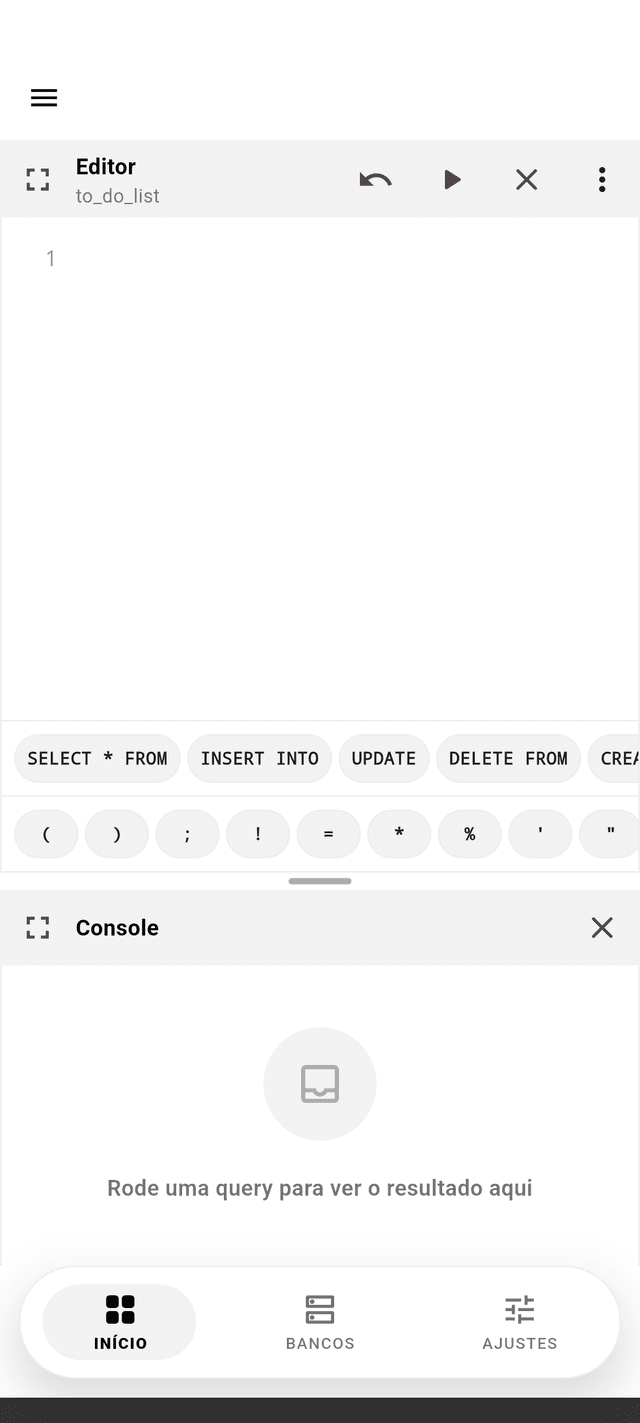
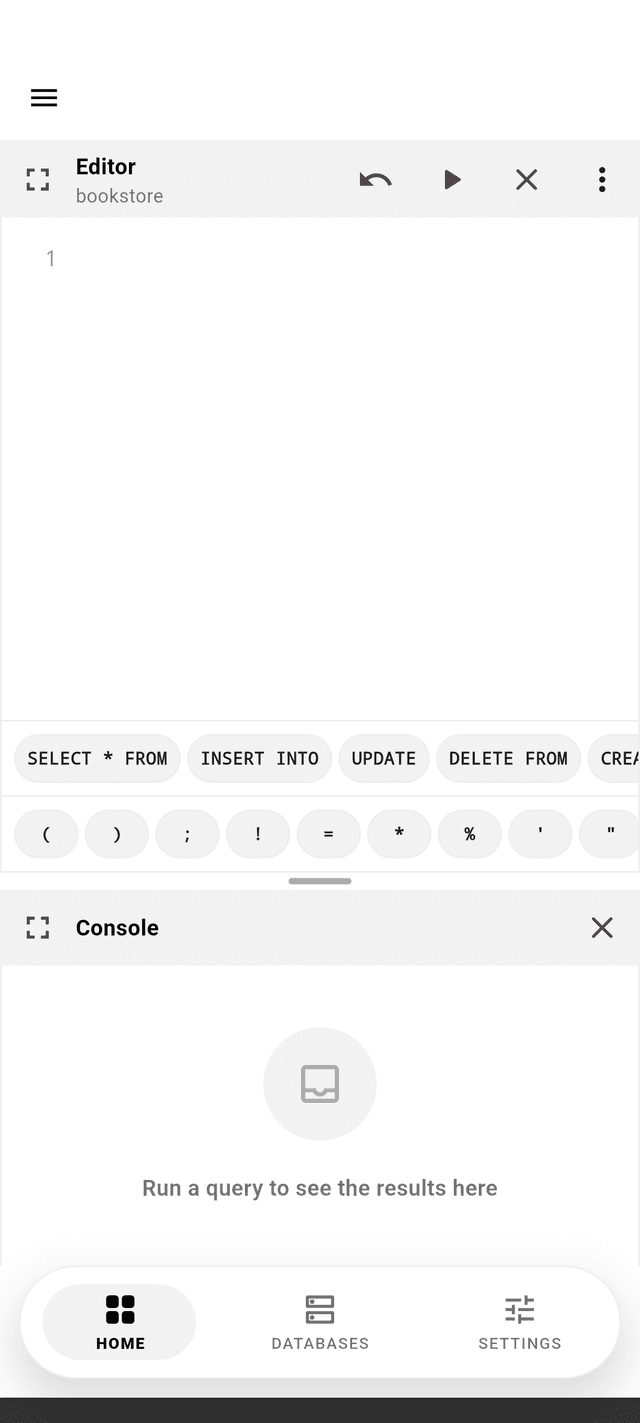
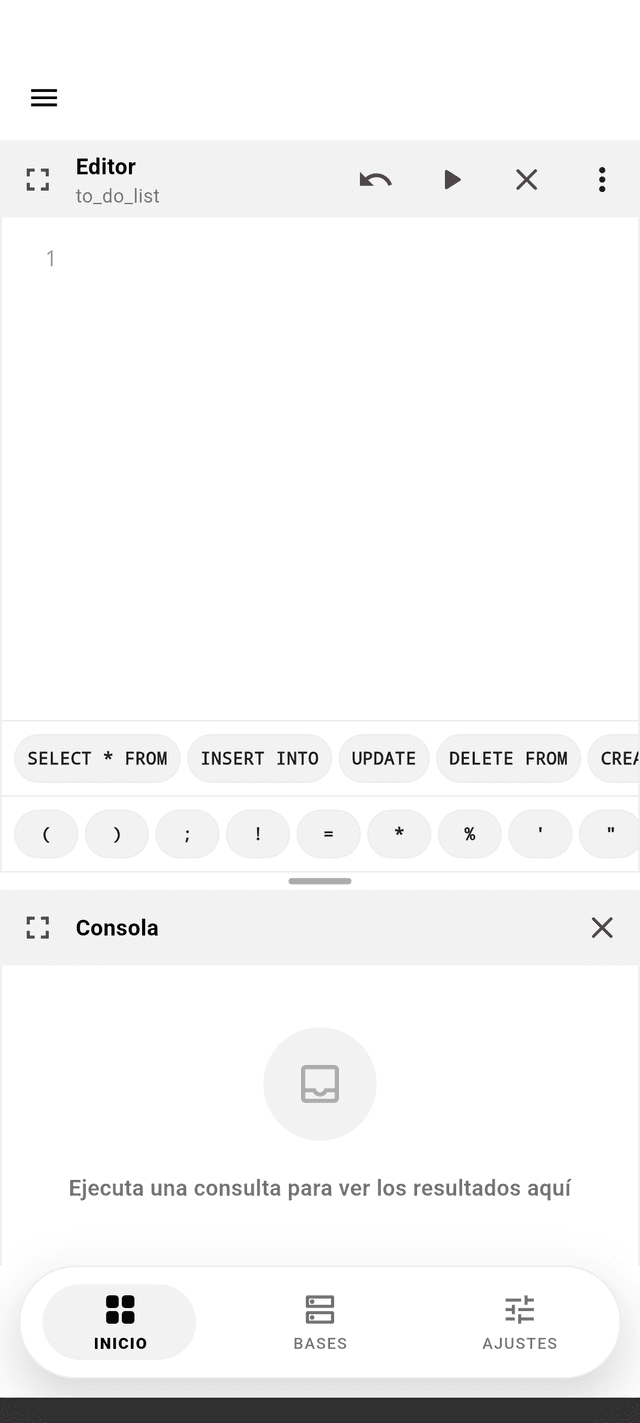
SQL Studio's full interface is available in English, Portuguese (Brazil), and Spanish. Switch anytime from Settings.
Built for
Speed & Precision.
A powerful interface that feels native. Clean layout, intuitive navigation, and optimized for one-handed use.
We've got answers.
Everything you need to know about the app. Didn't find the answer you were looking for? Contact our support team.
Built in the
open, on purpose.
The app's full source code, feature-first architecture, and test suite are public on GitHub, under the MIT license.
database
Catalog, creation, deletion, favoriting, and search.
database-visualizer
Visual schema view of a database's tables, columns, and relationships.
sql-editor
The code editor, its console, and running queries.
sql-suggestions
Basic and advanced SQL snippets shown while writing a query.
workspace-layout
How the editor, console, and visualizer are arranged on screen.
app-version
The app's own version info shown in Settings.
What's
New.
SQL Studio ships often. Here's what changed in each release.
July 31, 2026
Current- Light, dark, and system theme support.
- Search filter on the databases list.
- Navigate straight to a table from the database visualizer's schema diagram.
- Toast confirmation for database actions.
July 26, 2026
- Redesigned UI with a unified black-and-white minimal visual identity.
- About screen with app info and a licenses viewer.
- SQL editor download/export, load-last-query, and copy schema/seed to clipboard.
- Database visualizer relation tracing and automatic diagram fit-to-view.
- Transitions and micro-animations across screens and components.
December 3, 2025
- Full internationalization: English, Portuguese (Brazil), and Spanish.
- Language switching support and a language selector.
- Advanced SQL suggestions.
- Contact option in Settings.
October 26, 2025
- Initial release: database creation, listing, favoriting, and deletion.
- SQL editor and console workspace.
- Basic SQL suggestions.
SQL power in your
pocket.
The database client designed for touch. Query, edit, and visualize your data with the speed of a desktop app, entirely for free.